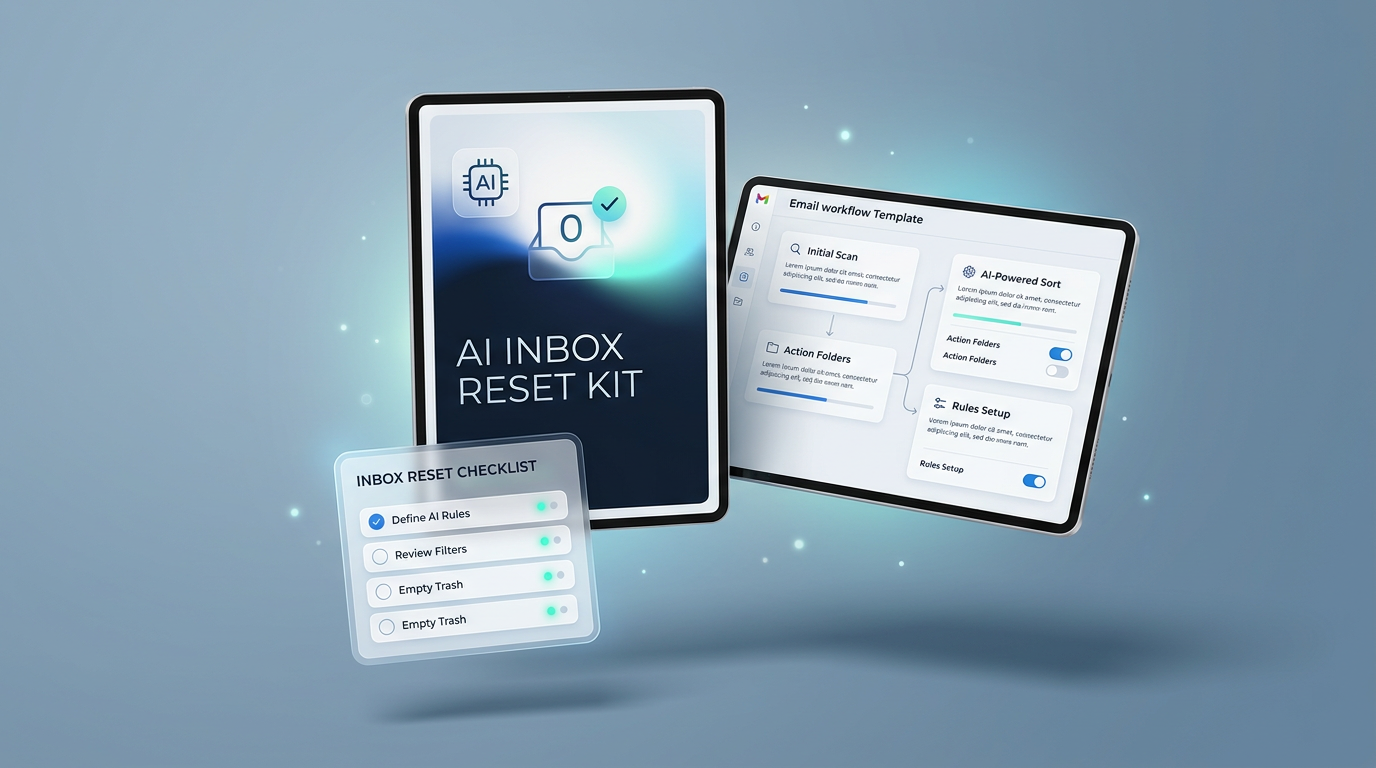
Stop reacting to email all day and relying on memory. Get a clear system to decide what matters, what can wait, and how AI can lighten your daily workload.
Designed specifically for busy professionals, founders, executives, and client-facing team members who spend hours managing messages instead of driving core work.
You spend your morning responding to incoming alerts rather than focusing on high-impact priorities, leaving you feeling behind before lunch.
Relying purely on mental notes to track critical client follow-ups leads to nagging anxiety about important tasks slipping through the cracks.
Opening the same long thread three times to remember what was decided wastes hours every week that could be spent on strategic goals.
Drafting routine replies, scheduling follow-ups, and sorting newsletters drains your focus and energy for critical decision-making.
A practical, step-by-step downloadable toolkit containing concrete resources you can use immediately.
A quick guide to categorizing incoming messages instantly into Actionable, Deferred, and Automated buckets without second-guessing.
Copy-and-paste prompt formulas that draft professional, nuanced replies in your authentic voice in seconds.
A lightweight operational checklist and template to ensure every outbound request gets tracked and resolved on time.
Here is how your daily communication shifts once you implement this simple, repeatable process.
Batch process incoming messages with structured AI assistance instead of writing every email from scratch.
Clear rules eliminate constant cognitive load so you know exactly what requires your attention right now.
Replace unreliable memory with a simple system that tracks open conversations until they are closed.
Turn an overwhelming chore into an organized 15-minute routine twice a day.
Checking email 40 times a day, re-reading threads, worrying about missed replies.
Structured triage windows, AI-assisted drafting, zero missed follow-ups, peace of mind.
Everything you need to know about downloading and implementing the starter kit.
Yes. The AI Inbox Reset Kit is designed to work alongside your current email client, whether you use Gmail, Outlook, or Apple Mail. It requires zero platform migrations or technical reconfigurations.
Absolutely. You can review the quick-start guide and apply the triage system in under 20 minutes. The included templates give you immediate copy-and-paste workflows.
Not at all. The kit focuses on prompt frameworks that preserve your authentic tone, personal style, and nuances, so every response feels natural while taking a fraction of the time to draft.
It is built with direct, practical utility in mind: step-by-step sorting rules, customizable response templates, and clear AI prompt formulas you can put to work today.
Enter your details below for instant access to the guide, AI prompts, and triage templates.
Respecting your privacy. No spam. Unsubscribe at any time.
Free starter kit & templates delivered straight to your inbox.